4 min to read
JavaScript: Default parameters
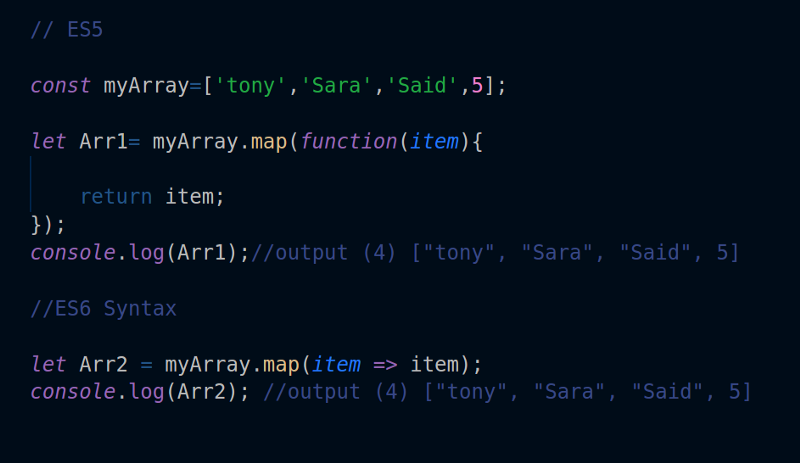
Function default parameter was introduced in ES6. This allows us to initialize a function with a default value if the parameters are incorrectly defined. This will make easier to control our functions as result in less errors.
You need to be able to understand what functions are and how to initialize them. To initialize a function in JavaScript is pretty much the same as how you do it in other languages but with a little syntax difference.
function myFunction() {
    // code goes here..
}
Before we get to understand default parameters, let’s look at what is the difference between parameters and arguments and how to distinguish them.
Parameters vs Arguments
Take a look at this function
function power(x){
    return x * x;
}
In the above example, the variable x is a parameter of a function. Now, let’s see how do we make this function to work.
// invoke the function
power(3)

// output: 9
Another example
const number = 3

// invoke the function
power(number)
Okay, number here is called arguments, a value that will be passed to the function upon invoking. Usually, this value will be assigned to a variable such as the one you saw above. Now, what if we don’t pass any arguments to the function.
// invoke the function with arguments
power()

//output: NaN
NaN here means: Not a number. If we don’t pass any arguments, the function will return undefined. And this is why we need default parameters.
Default parameters
Before the birth of ES6, developers typically check like this
function power(x){
    if(typeof x === 'undefined') {
        x = 4
    }
    return x * x;
}
We use the popular typeof function to check if x is undefined then assign it a value. But that looks really ugly, doesn’t it? You have to do this for every function. But with the introduction of ES6, this is no longer a pain. You can set the default parameter directly in the parameters placeholder.
function power(x = 4) {
    return x * x;
}
Calling the function
power();

// output: 16
Even if we pass undefined as argument
power(undefined);

// output: 16
Multiple default parameters
You can also use this on multiple parameters
function multiply(a = 2, b = 3) {
    return a * b;
}

multiply()

// output: 6
Or even more, you can also use the parameters as default parameters for other parameters.
function createAccount(name, email, accountObject = {name, email}) {
    return accountObject;
}
const user = createAccount('Alice', 'alice@example.com')


// output: {name: 'Alice', email: 'alice@example.com'}
Default parameters as a function
function generateNumber(){
    return 5;
}

function power(x = generateNumber()) {
    return x * x;
}

power();

// output: 25
Hopefully by now, you know what default parameters are and how to use them. You can make the use of it to keep your function free from silly errors. You can also assign objects and arrays to parameters to reduce its complexity and lines of code when dealing with situations such as accessing values from an array or an object.



Comments